No signal
The order waits on the phone and goes out exactly once as soon as there is signal again. Nothing doubled, nothing lost.
New dxEvent 2 is here
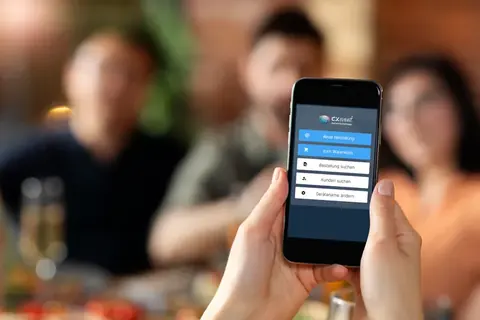
The band is playing, the benches are full, the grill is smoking. Your helpers order on their phones, the ticket prints at the counter. No paper slips, no shouting across the bar.
Rebuilt from scratch after 6 years and 90 festivals.
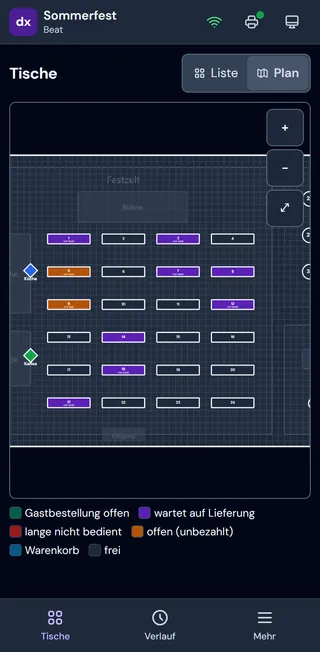
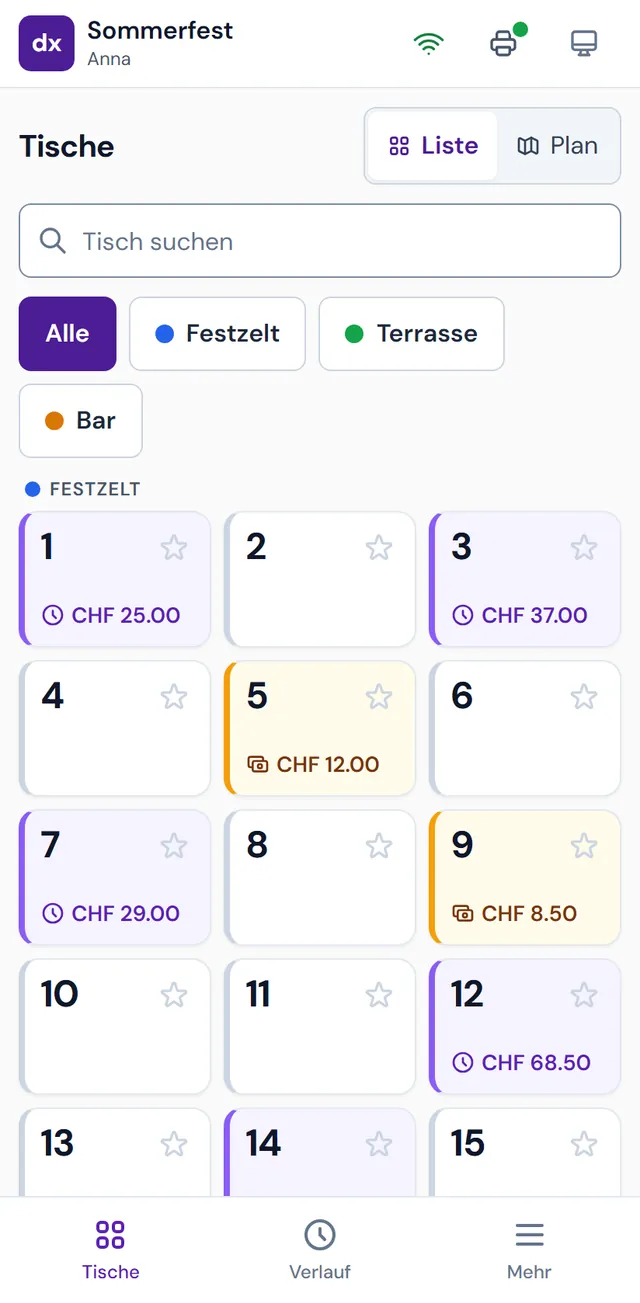
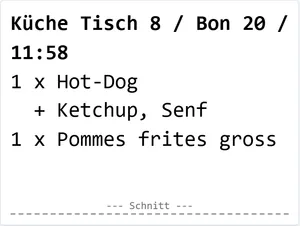
How it works
dxEvent 2 is a mobile ordering and point-of-sale app for the food and drinks at club festivals. Three steps, that is all anyone needs to know on the day.
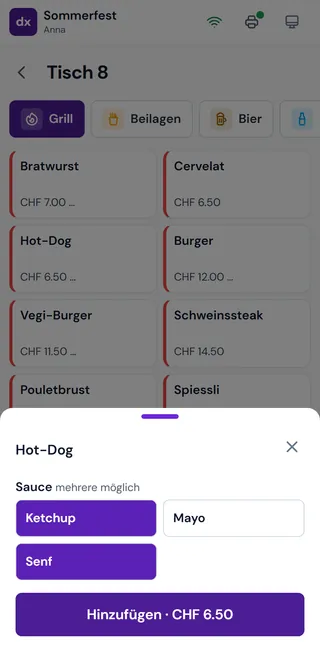
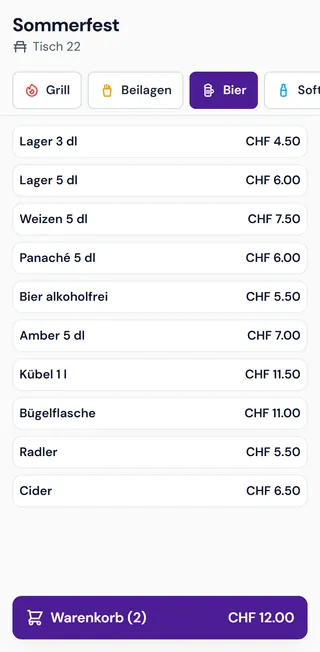
Tap the table, tap the items, send. “Hot dog with mustard” is a single tap.
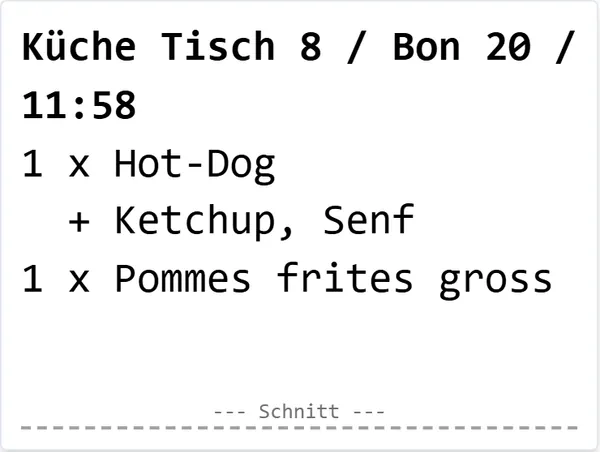
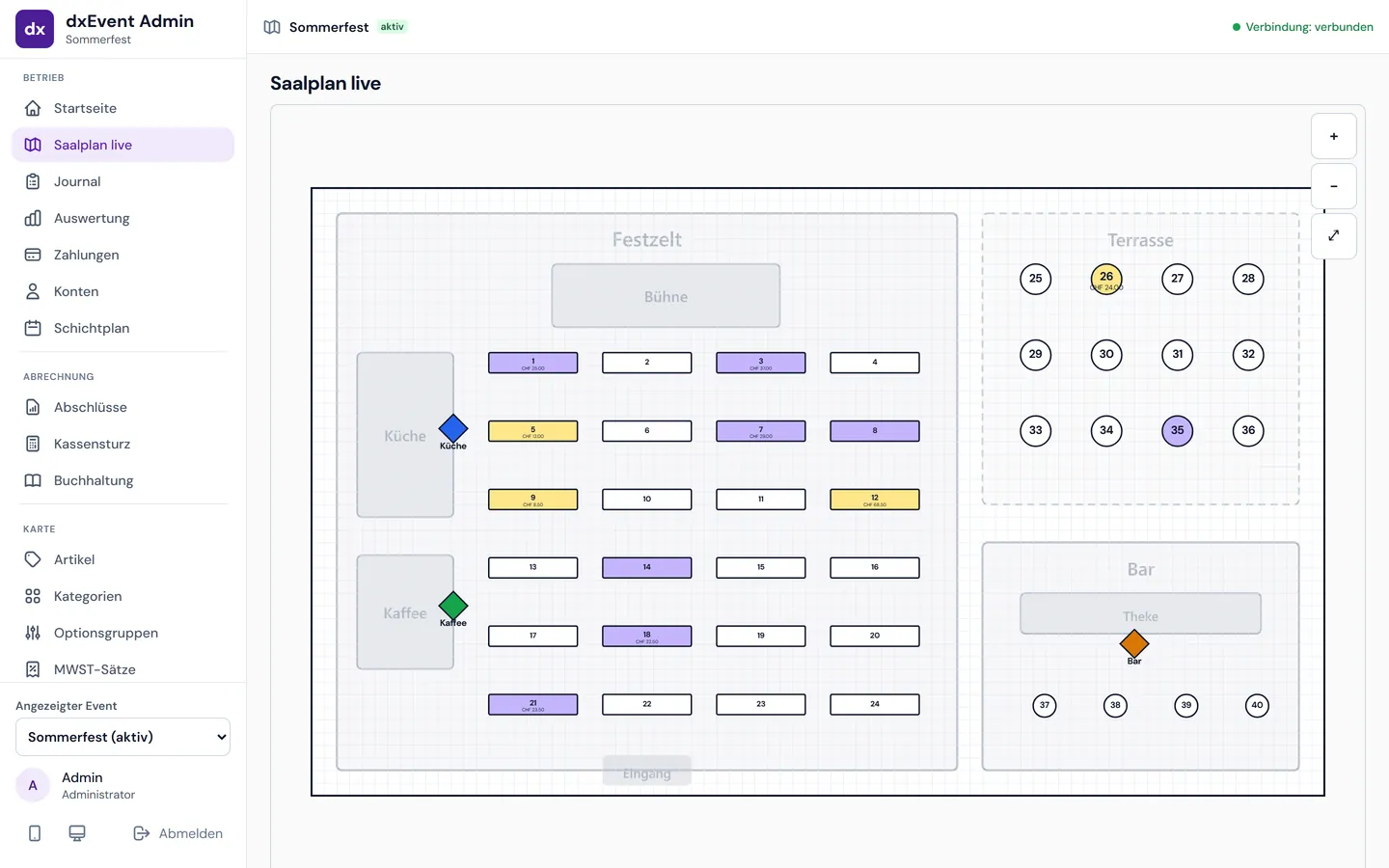
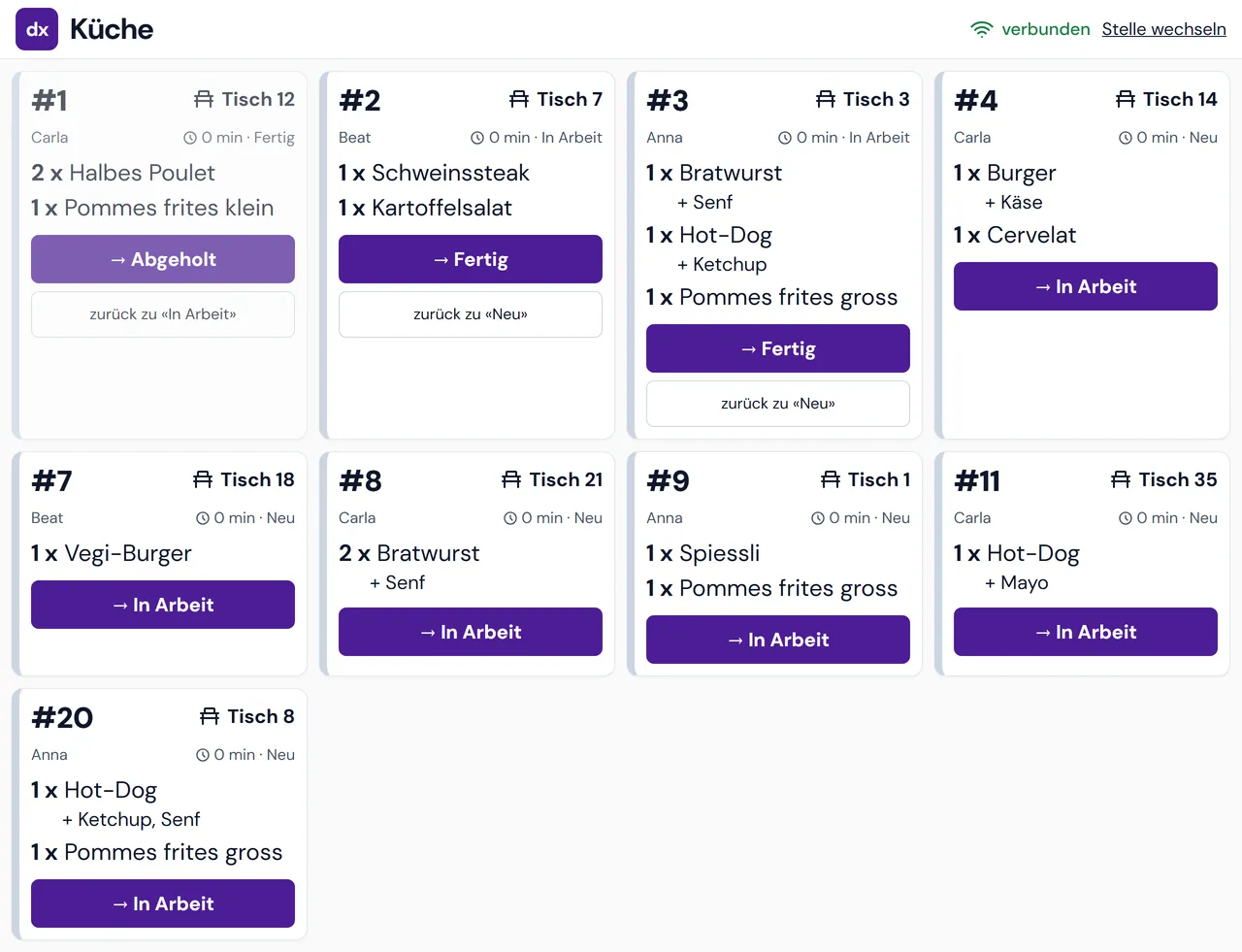
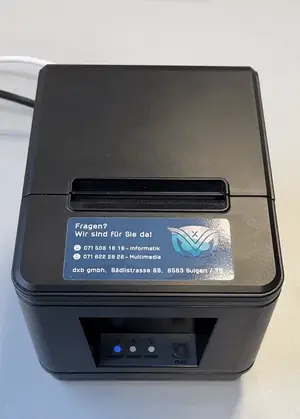
The sausage prints in the kitchen, the beer at the bar, the coffee at the coffee stand. All by itself.
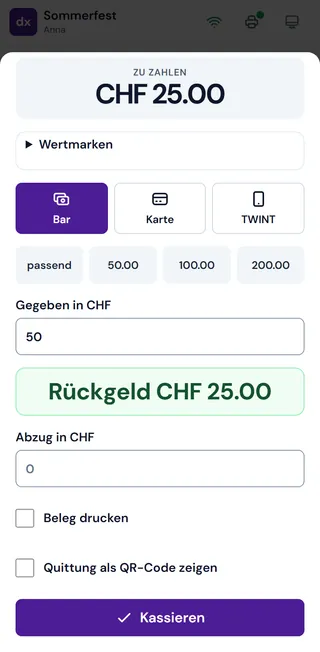
The change is shown in big numbers. Cash, card or TWINT (the Swiss mobile payment app), split bills too. Rounded to 5 centimes.
Usually guests pay as soon as they order. If you would rather let tables pay at the end, switch to “keep table open” in the admin.
Made for volunteer helpers
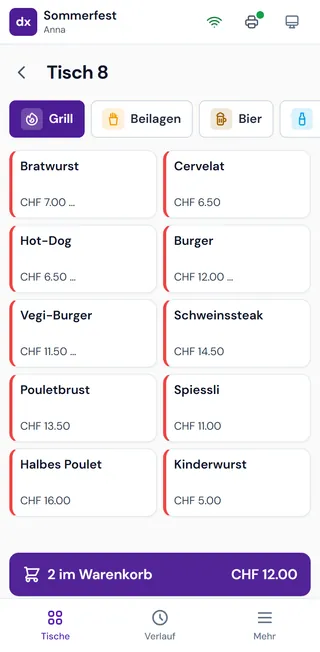
Keeps going when things get bumpy
The order waits on the phone and goes out exactly once as soon as there is signal again. Nothing doubled, nothing lost.
With a UPS (backup battery), the Eventbox on site warns every phone, saves the data and shuts down cleanly.
Backed up continuously, onto a USB stick too if you like. A faulty device won’t cost you the evening.
The phone tells you. The tickets wait and print as soon as the printer is ready again.
The Eventbox comes with its own Wi-Fi and a 4G router. You don’t depend on the venue’s Wi-Fi.
Everything is stored on the Eventbox at your festival. Transactions are never deleted; corrections show up as cancellations.
For the organising committee and the treasurer
No adding up paper slips at two in the morning.
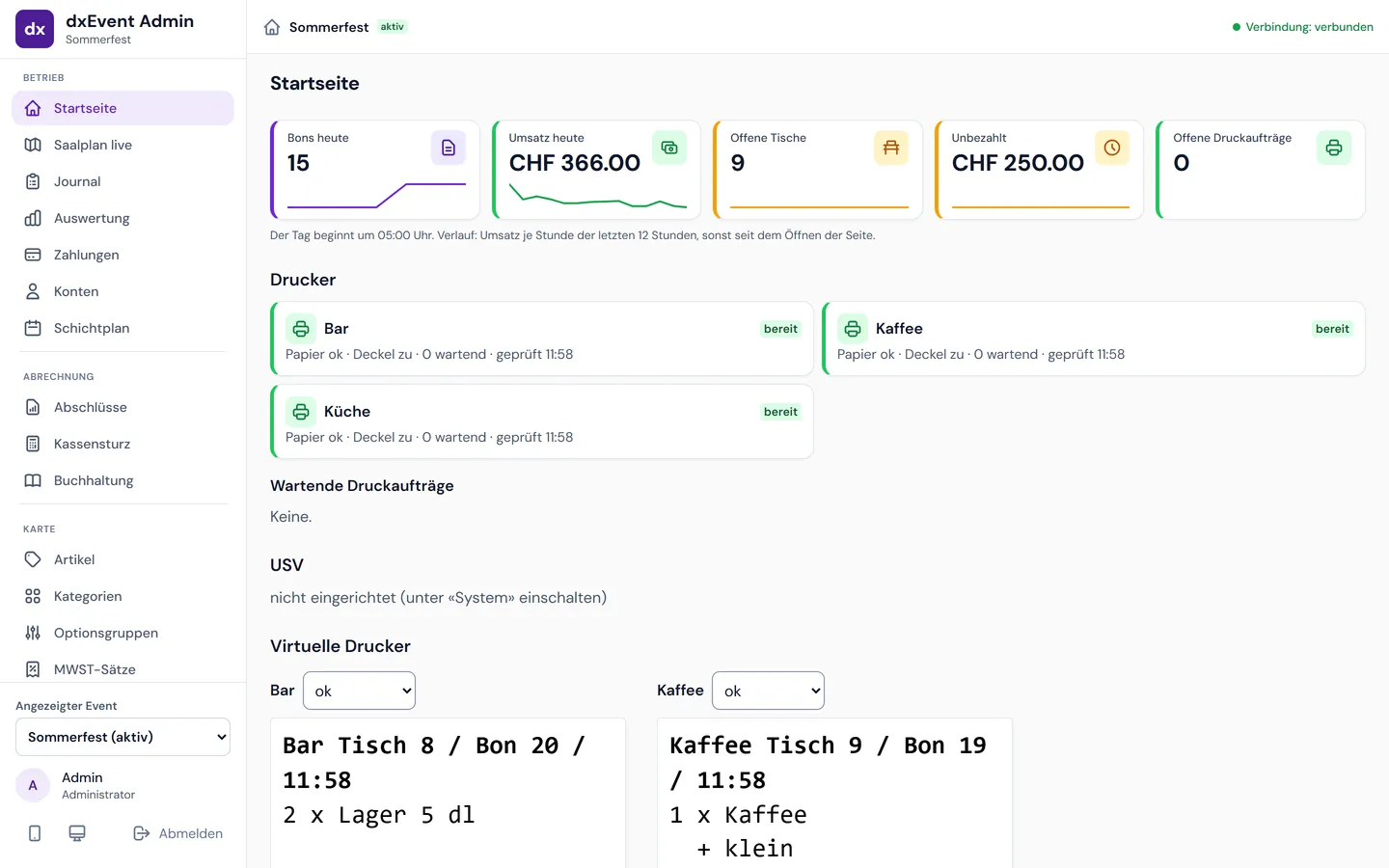
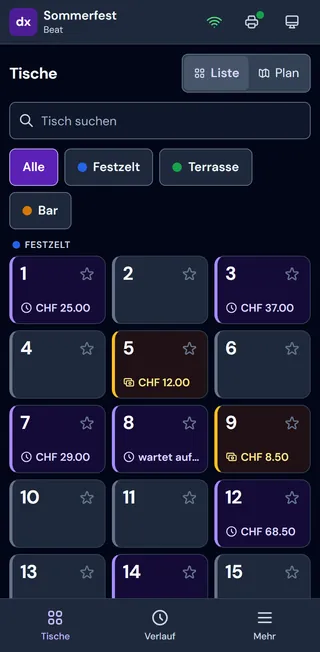
Festival tent, terrace and bar, just like the real thing. See at a glance which tables are open and where nobody has been for a while.
Daily and event closing reports as PDF, plus the complete journal.
The expected amount per person is ready and the counting aid does the maths. Float and cash drops are recorded properly.
Journal as CSV or PDF, summary entries for Bexio and Abacus (Swiss accounting software).
Reuse items, tables, floor plan and printers as a template. Only change what is new.
In a practice event with virtual printers, the committee runs through the evening before the first beer is poured.
Optional: guests order themselves
New in version 2
After 90 festivals we know where things get stuck on the night. dxEvent 2 is built around that.
References
Pricing
Every festival is different. You get a quote based on the size of your event. Before that, you and your team can try dxEvent for free.
dxEvent 2 at your festival
from CHF 450 per weekend
Frequently asked questions
dxEvent 2 is a mobile ordering and point-of-sale (POS) app for the food and drinks at club festivals, known in Switzerland as the “Festwirtschaft”. Volunteer helpers take orders on their own phones, the order tickets print automatically in the kitchen, at the bar and at the coffee stand, and guests pay in cash, by card or with TWINT, the Swiss mobile payment app. dxb gmbh in Sulgen, Switzerland, rebuilt dxEvent from scratch based on 6 years of experience and 90 festivals.
From CHF 450 per weekend. You get a quote based on the size of your event. The demo is free.
For club and association festivals with food and drinks, from music festivals to Swiss wrestling festivals. So far that has been 90 festivals, for example the 26th Thurgau Cantonal Music Festival 2023 in Märstetten and the Thurgau Cantonal Swiss Wrestling Festivals 2022 in Müllheim and 2023 in Egnach.
No. dxEvent runs in the browser. Each phone is paired once with a QR code, then the helper signs in with their PIN. Nothing is installed, and it works on the helper’s own phone.
Ordering, printing and payment run through the Eventbox on site, with its own Wi-Fi. If a phone briefly loses its connection, it keeps the order and sends it exactly once as soon as the connection is back. Online payments by guests need the internet; that is what the 4G router in the Eventbox is for.
Android, iPhone and Windows, each in the browser. Helpers can use their own phone.
dxEvent 2 is built for up to 50 phones at the same time. Tell us how many helpers you expect and we will plan it with you.
For helpers, a few minutes: choose the table, tap the items, send, take payment. The organising committee sets up items, tables and printers beforehand and runs through the evening in a practice event with virtual printers. Next year you simply reuse the template.
On the Eventbox at your venue. It is backed up every 5 minutes, onto a USB stick too if you like. After the festival you have the closing report, the journal and exports for your accounts.
Yes, the demo is free. Write to us below or call: +41 71 508 16 16.
Contact
Tell us about your event. We will get back to you with a quote and will gladly set up a free demo for you.
dxb gmbh